
The smoothest path, and the one Hope was built and tested on. Claude Code installs the Hope skills as a plugin in one command, has a terminal and a browser, and runs every step: it even works with the smaller Sonnet model.
I'd like to run my job hunt with JobHunt with Hope (free, open-source). Start with onboarding, then portfolio and publish, then set up my application profile and hunt folder. After that, run the daily rhythm with me: sync, find jobs, apply, write, interview, tracker.

First: make sure you can write to my GitHub Pages repo — that's where my site goes live. Confirm that before we publish anything; if you're not connected to my GitHub, tell me how to connect you and wait.

Then walk me through it like I'm not technical:
1. Use the Hope skills from github.com/oneconsciousness/job-hunt-with-hope (if you support plugins, install hope@hope first). Start with the onboarding skill, and when a step is done, offer me the next one: portfolio, publish, my application profile and hunt folder, then the daily rhythm (sync, find jobs, apply, write, interview, tracker).
2. Ask me ONCE for everything — I'll upload my resume PDF and a headshot photo, and give you my GitHub details + target role. Read anything else I put in this folder from past job searches (old résumés, cover letters, a tracker, notes) as evidence, and keep Hope's own format for what you write. Don't re-ask in circles; if I skip something, pick a sensible default and tell me.
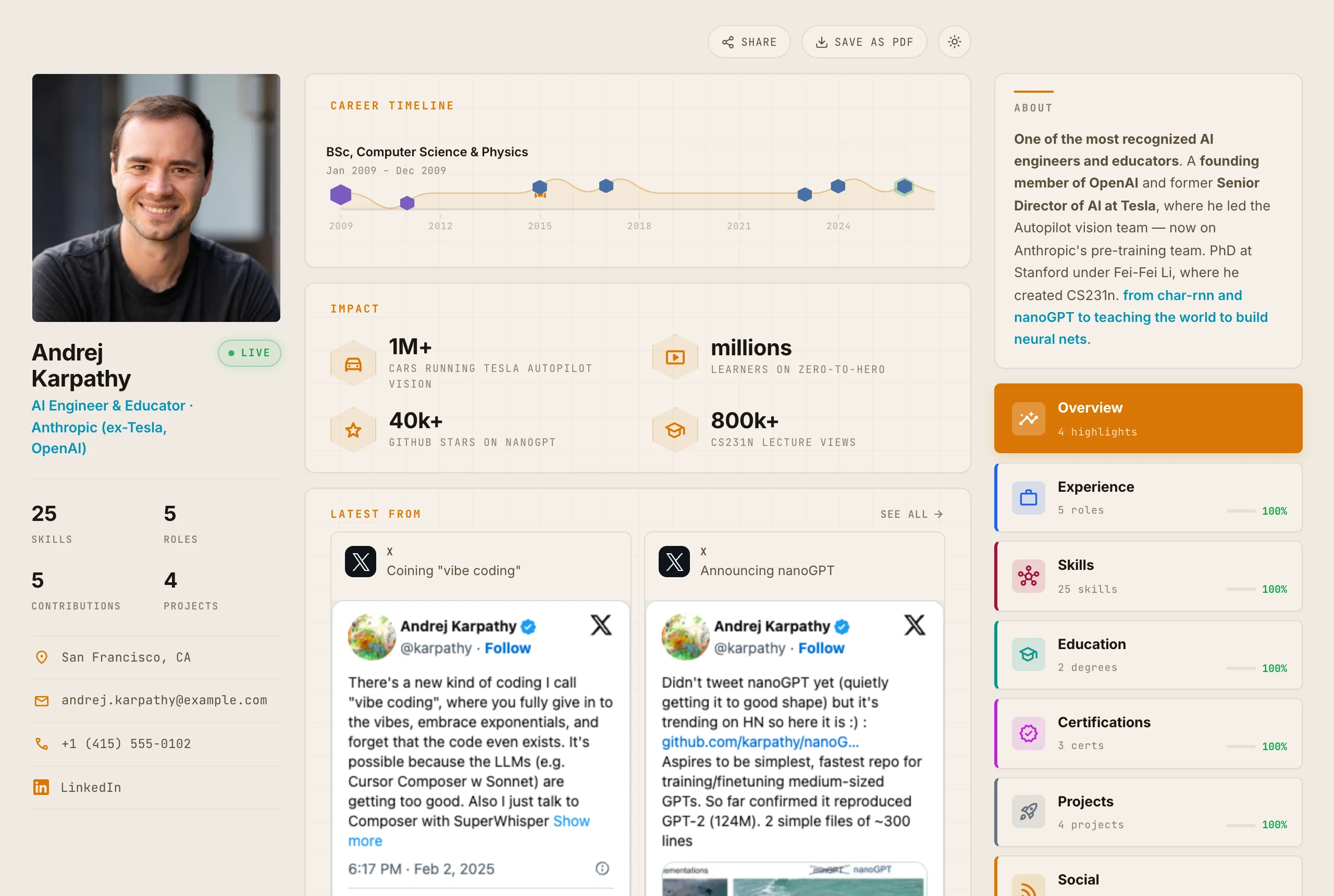
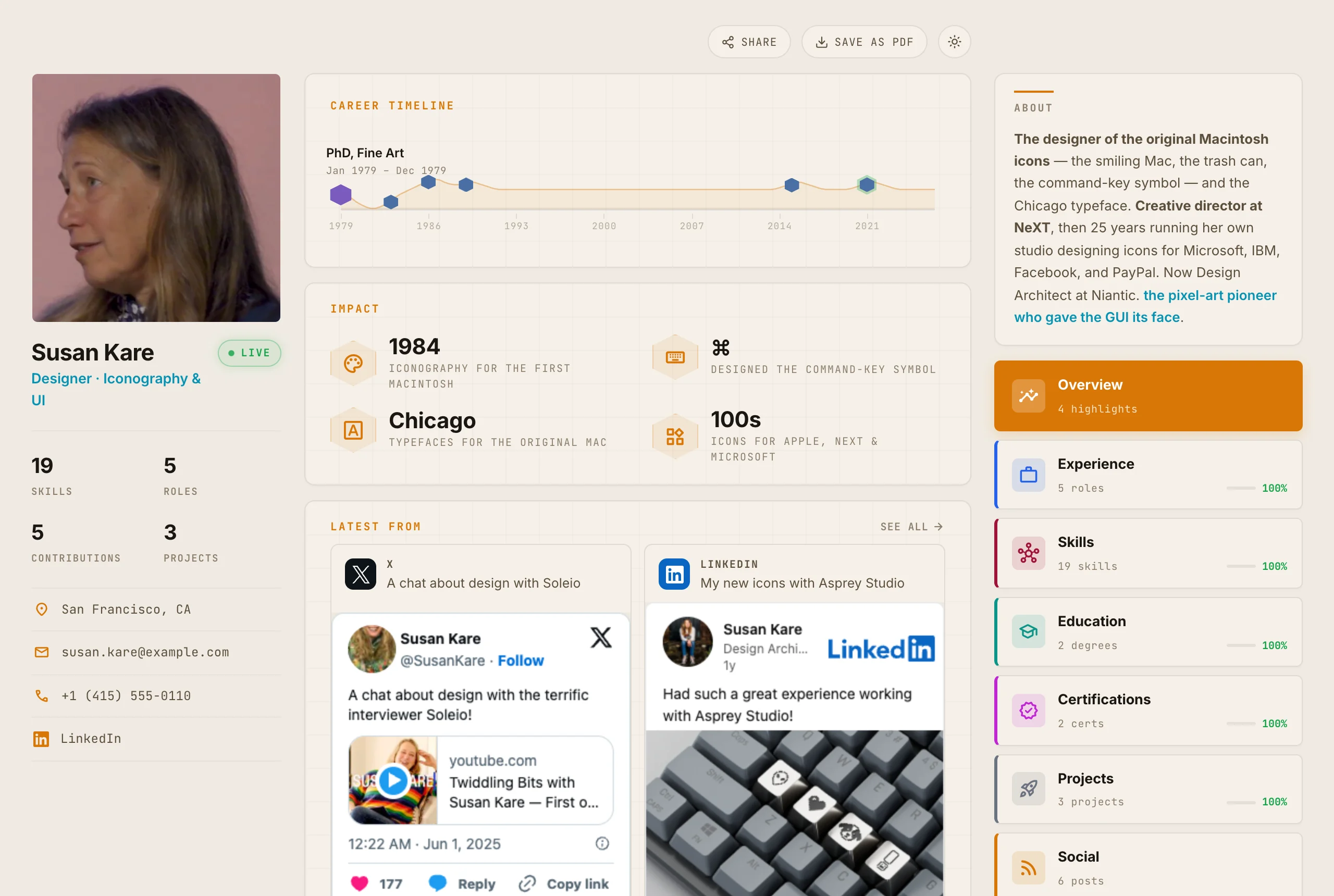
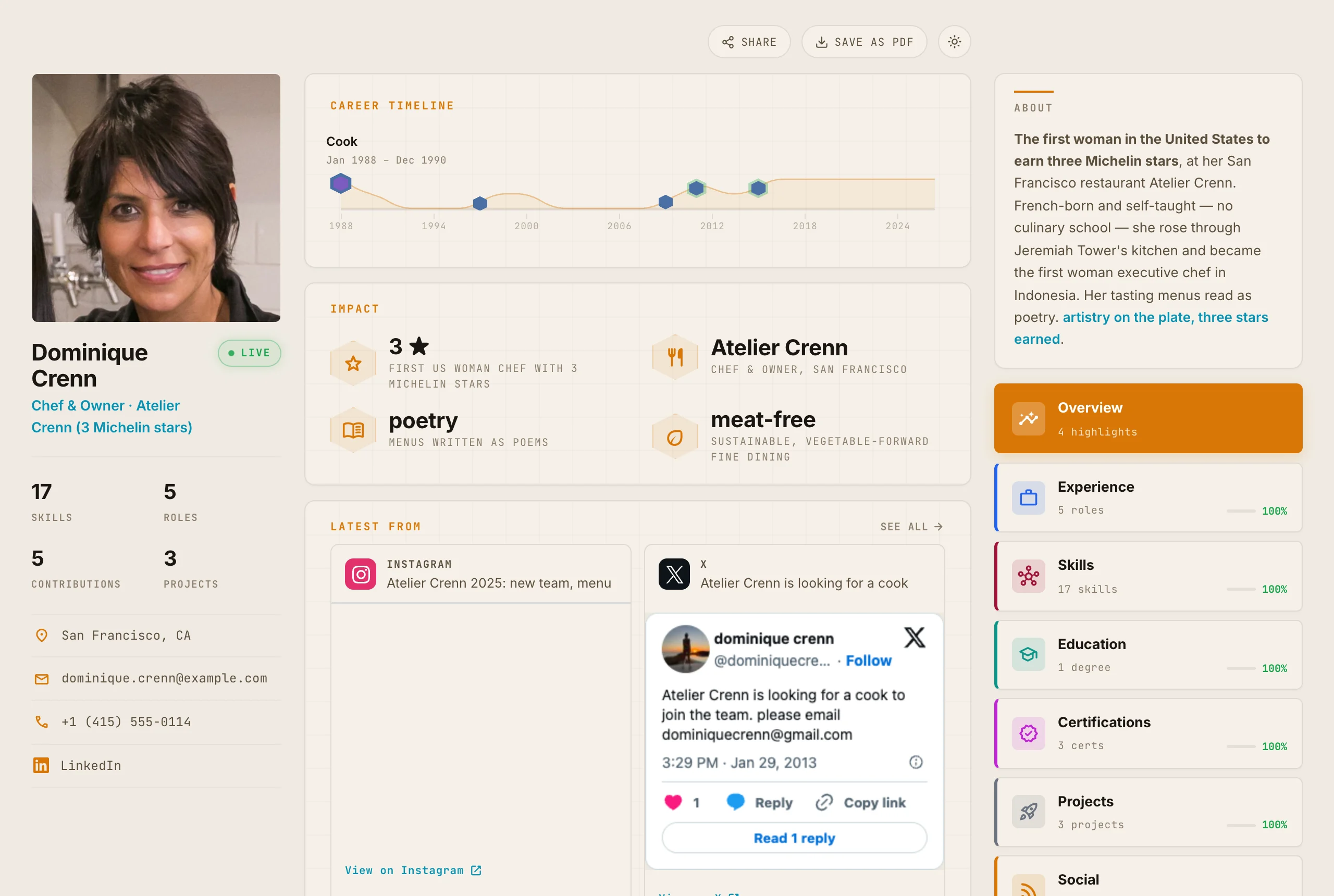
3. Build using Hope's own template and design — keep the styling, layout, and code exactly as Hope provides; only fill in MY content.
4. Before publishing, show me the result and ask in plain English. After I say yes, publish to my GitHub Pages site and give me the live link.

Keep a short note of what you used and made. Start with onboarding — don't jump ahead.“Open in Claude Code” prefills a fresh chat in the Claude desktop app (the Code tab). If nothing loads, use Copy and paste it into Claude Code in an empty folder. Already have it installed? Install the plugin in one command ↓ First time? Connect your tools once (GitHub, Chrome, Gmail, Calendar) →